Design
I love taking an app from the first question to the App Store, then making sure it really works for people.
Case studies
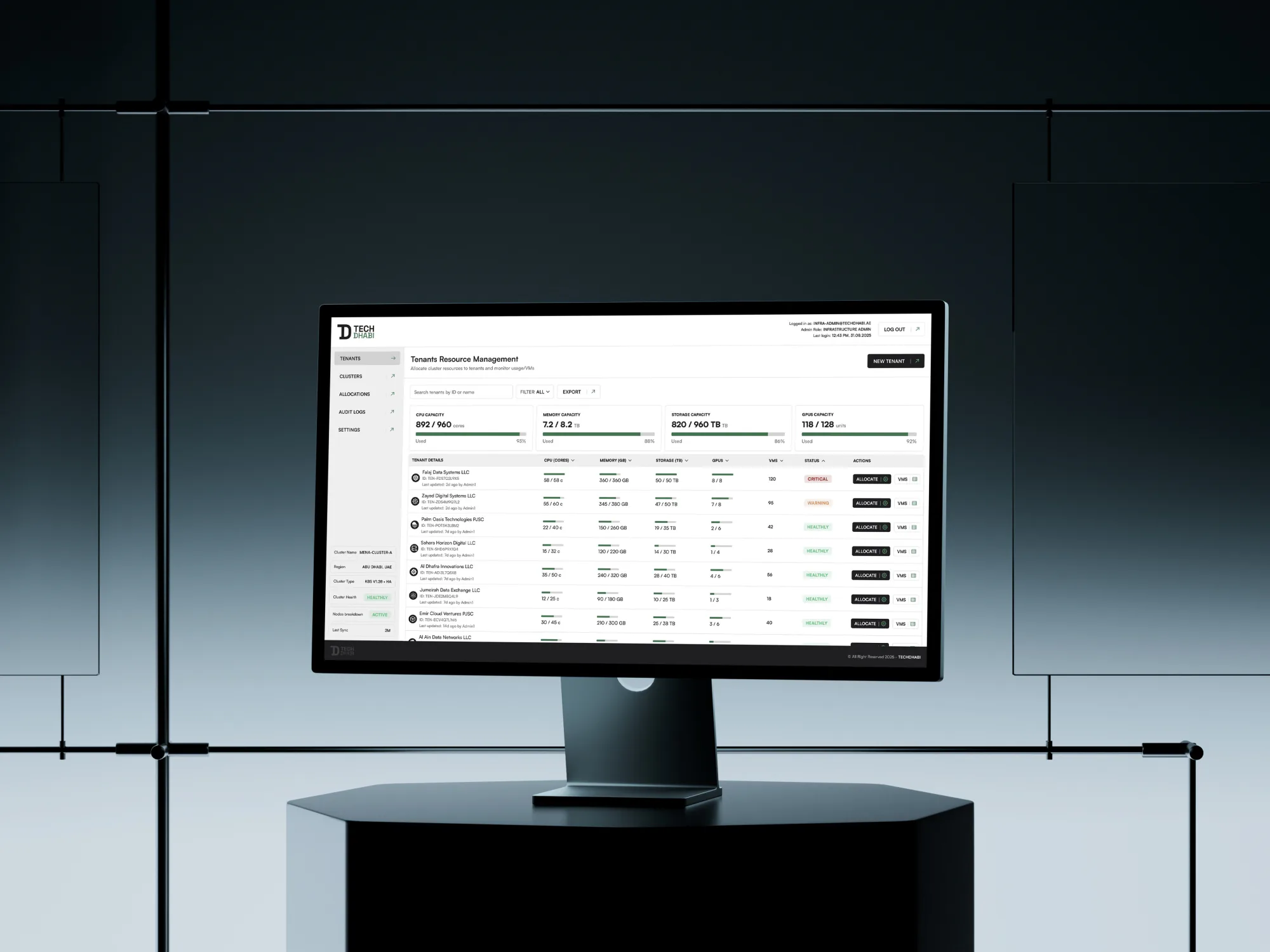
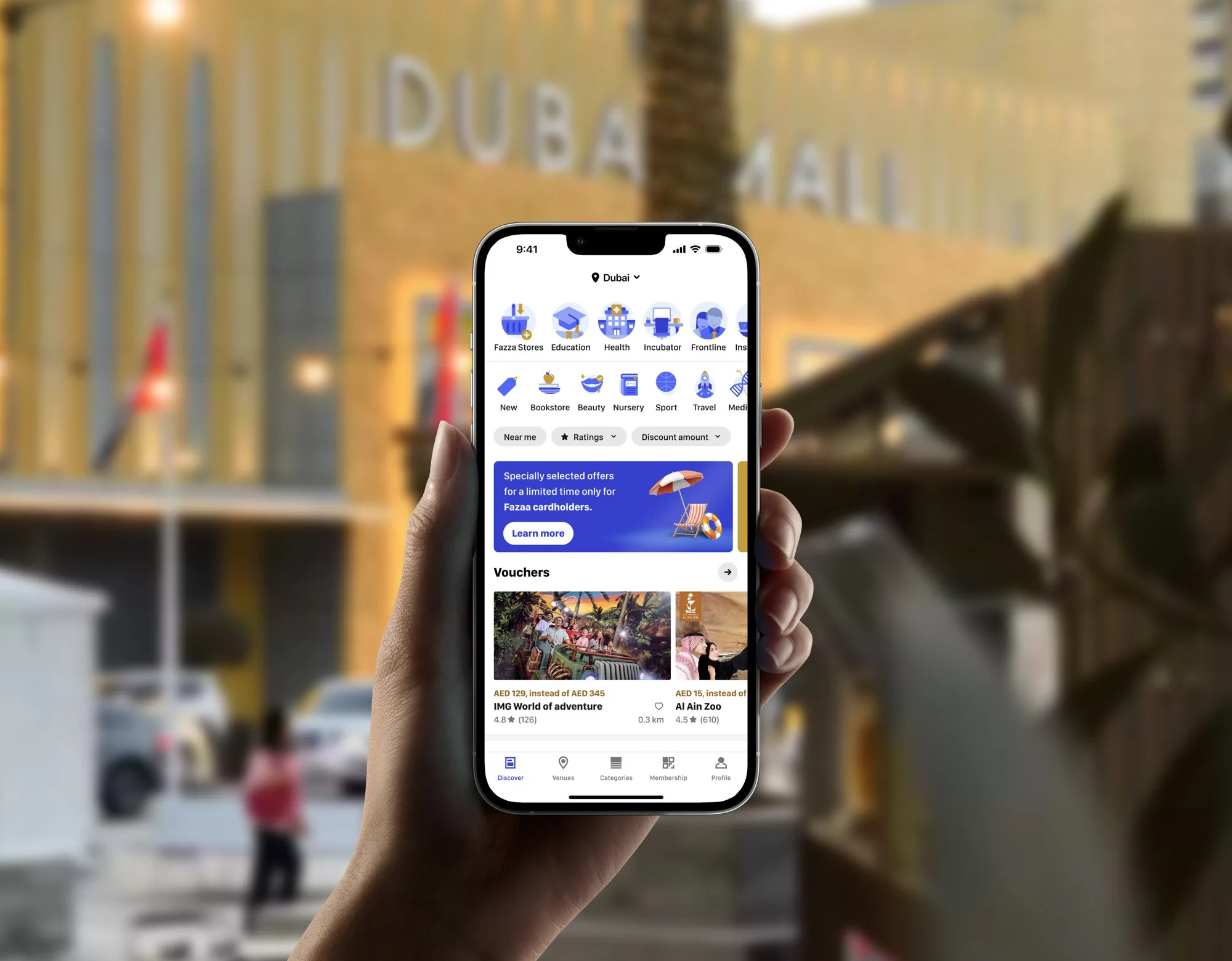
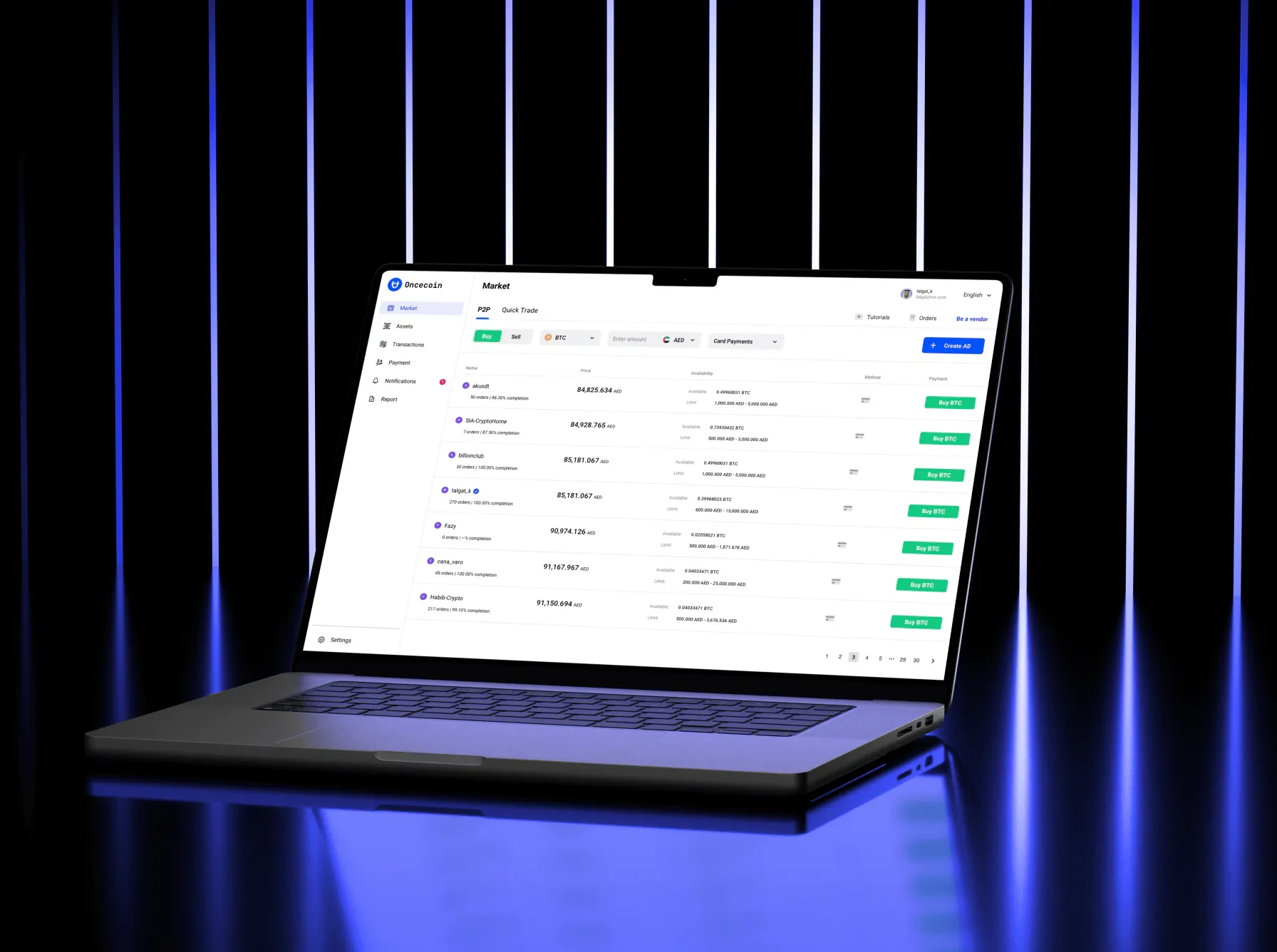
Shipped
My own apps, designed and built end to end. Here’s how they’re doing.
- Downloads
- 3M+
- Worldwide
- Revenue
- $1.2M+
- Generated
- Average rating
- 4.8
- On the App Store
- Apple features
- 8
- Two keynotes, six stories
-
 Memo
Voice notes, written up WWDC26 keynote, App Store stories “Great apps on iPhone Duo” and “See what’s new in iOS 27” View on the App Store , opens in a new tab -
 ImgAI
A photo editor with AI WWDC24 keynote, App Store stories in the US, Germany and the UAE View on the App Store , opens in a new tab -
 Bots
Ask anything, create anything App Store story “AI helpers”, in the UAE View on the App Store , opens in a new tab
How I design
The principles stay. The tools keep changing.
01
Start from people
Read what they already say, then ask. Research before pixels.
02
Native first
Apple’s own parts and rules, so an app feels familiar from the first tap and keeps up with each new iOS.
03
One way to do a thing
Fewer patterns, learned once. One answer before the details.
04
Every person, every screen
Many languages, Arabic from right to left, VoiceOver, the largest text, every device.
05
Motion with meaning
Things move to explain what changed, never to decorate.
06
Check it
A hunch starts a decision. Tests and real use finish it.
Every tool
AI connects these tools, through MCP where they offer it, and does the heavy lifting, so I can spend my time on the details.
- Sketch and FigmaDesign and systems, with Sketch through its own MCP server
- Xcode and simulatorsNative builds, checked on every iPhone, iPad and iPhone Duo shape
- Blender3D, like the room on this site’s home page
- The browserResearch, and learning from great work
- App Store dataWhat people do and say once it ships
Contact
Want to talk apps or design?